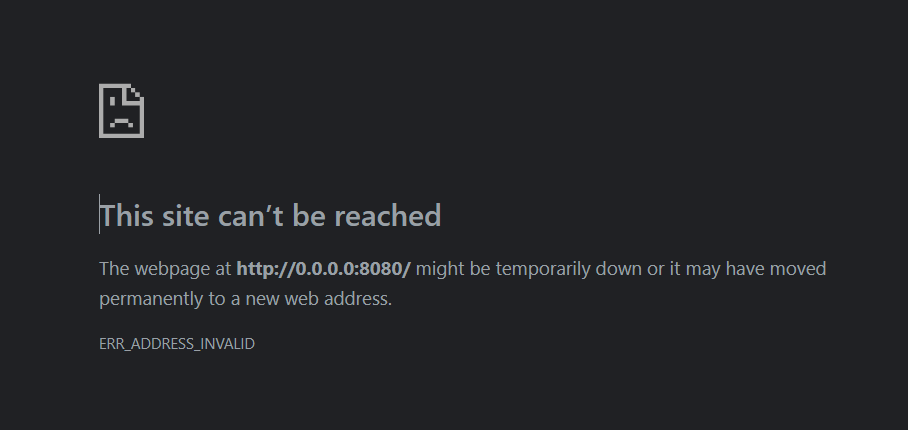
When you’re working with web applications on your local machine, it’s common to run into issues like the ERR_ADDRESS_INVALID error. This error can often leave you scratching your head, wondering why a service like Keycloak isn’t accessible, even though it appears to be running smoothly on your system.
In this post, we’ll break down why you might see this error, how to troubleshoot it, and most importantly, the simple fix that can solve this issue.
What Is the ERR_ADDRESS_INVALID Error?
The ERR_ADDRESS_INVALID error occurs when your browser is unable to resolve the IP address provided for the web service. This typically happens when the URL is either incorrectly formatted or the service isn’t properly bound to the expected address.
In many cases, this error can arise when a server application, like Keycloak, tries to bind to an address like 0.0.0.0, which isn’t a valid address in a browser context.
Understanding the Role of 0.0.0.0
When a web service listens on 0.0.0.0, it means the service is binding to all available network interfaces on the system. This is commonly used to allow access to the service from any IP address.
However, 0.0.0.0 is not a valid URL. Browsers cannot access this address directly. It’s just a placeholder that helps the system direct incoming requests to the correct service, but it isn’t something you can type into a browser’s address bar.
The Problem in Practice
You might run into the ERR_ADDRESS_INVALID error when trying to access a local web application, such as Keycloak, that logs something like this:
Listening on: http://0.0.0.0:8080
While the service is running correctly, the address 0.0.0.0 is not something your browser can interpret.
The Simple Fix: Use localhost or 127.0.0.1
The fix to this issue is simple: instead of accessing the server at http://0.0.0.0:8080, try accessing it at http://localhost:8080 or http://127.0.0.1:8080.
localhost or 127.0.0.1 points to your local machine, ensuring that your browser can correctly route the request to the application running on your system.
So, just type this URL into your browser’s address bar:
http://localhost:8080
or
http://127.0.0.1:8080
Why Does This Fix Work?
Both localhost and 127.0.0.1 refer to the local loopback address on your computer. When you use these addresses, your browser knows to look for the service running on your local machine.
By default, the Keycloak service or any similar server application that listens on 0.0.0.0 can be accessed through localhost because it binds to the machine’s network interfaces, and localhost is the way to address that locally.
