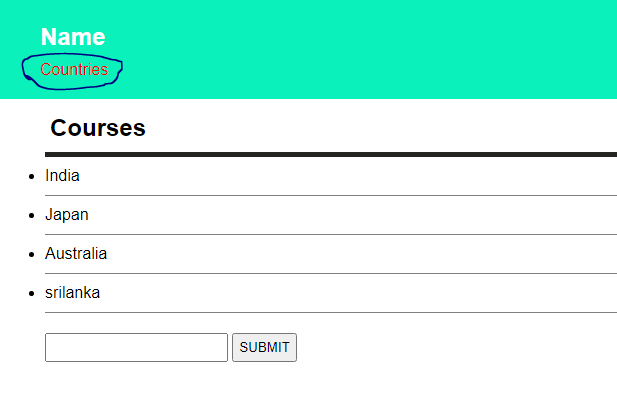
DOM is such a technology with the help of which we can completely control any html document with JavaScript.
With the help of DOM we can access and change any tag, id, class or any attribute, even we can change any CSS style from DOM.
METHODS
getElementById()
getElementsByclassName()
getElementsByTagsName()
querySelector()
querySelectorALL()
first have to make HTML, CSS and JavaScript files(HTML, CSS source code down there )
HTML source code:-
https://gist.github.com/AvinashKumar33/7d3f01e81b510279354e5a86e5fdec04CSS source code:-
*{
        margin: 0;
        padding: 0;

}
body{
    font-family: Arial, Helvetica, sans-serif;
}
header{
    background-color: rgb(11, 241, 187);
    color: white;
    padding: 15px 0px 20px 40px;
}
h2#header-title{
    padding: 10px 0px;

}
div#content{
    padding: 15px 0px 0px 45px;
}
div#content >h2{
    border-bottom: 5px solid rgb(37, 37, 33);
    padding: 0px 20px 10px 5px;
    display: inline-block;
    width: 50%;
}
li.list-item{
    border-bottom: 1px solid grey;
    padding: 10px 0px;
}
form{
    padding-top: 20px;

}
form > input, button{
    padding: 5px;
}
OUTPUT

Example: Here we change (Name with ‘Earth‘) by the help of getElementById().
var headerTitle =
document.getElementById('header-title');

headerTitle.textContent = 'Earth'; Example: Here we do styling with the help of JavaScript
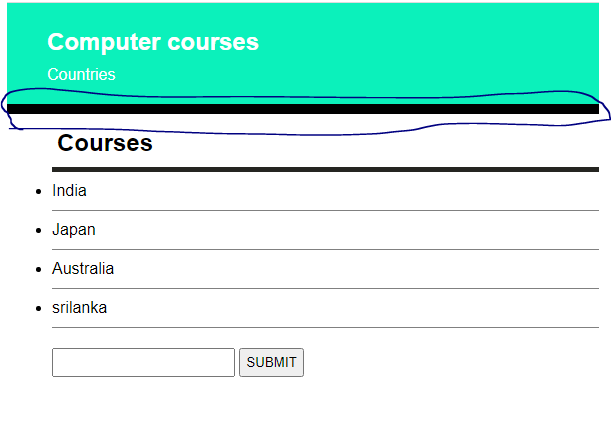
var headerTitle =
document.getElementById('header-title');

headerTitle.textContent = 'Computer courses';
var header = document.getElementById('header');

header.style.borderBottom = '10px solid #000';
OUTPUT
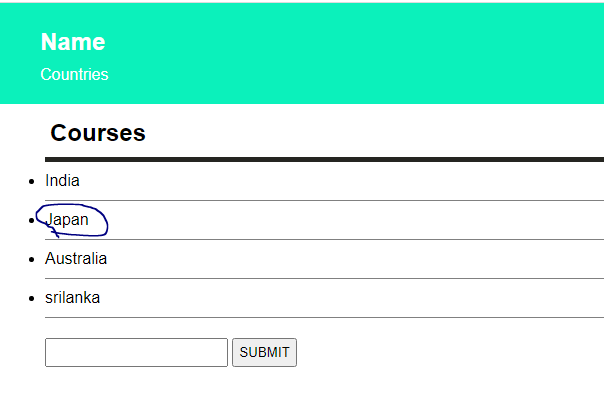
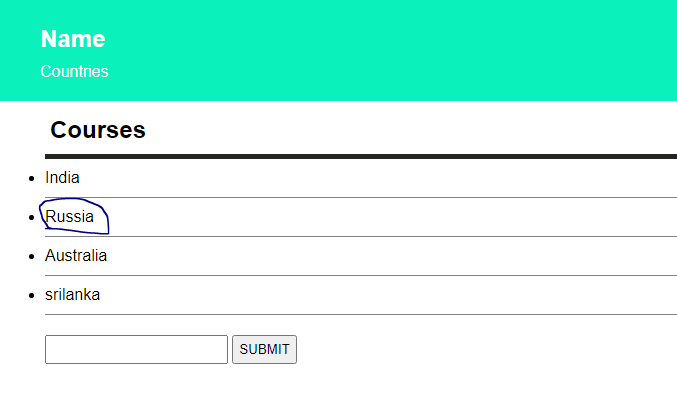
Example: Here we doing changes in list-item value by help of getElementsByclassName()
var items =
document.getElementsByClassName('list-item');

items[1].textContent = 'Russia';
OUTPUT
Example: Here we using .getElementsByClassName() and changing in style in particular class element.
var items =
document.getElementsByClassName('list-item');

items[1].textContent = 'Russia';
items[2].textContent = 'Indonesia';
items[3].textContent = 'Egypt';
items[2].style.fontWeight = 'bold';
items[3].style.color = 'red';
items[2].style.backgroundColor = 'yellow'; 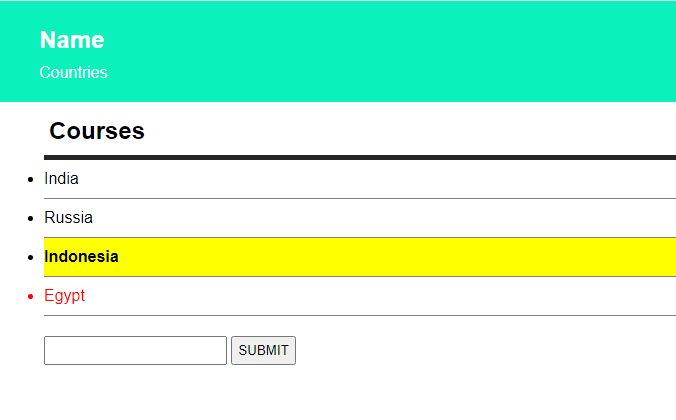
Example: Here we using .querySelector to change color of ID tagline.
var headline = document.querySelector('#tagline');
headline.style.color = 'red';