Icons play a crucial role in web and application design. They serve as visual cues, making it easier for users to navigate and interact with various interfaces. One common type of icon format is the ICO file, which is widely used for Windows applications and websites. If you have a JPG image that you’d like to convert into an ICO file, you’re in the right place.
An ICO (short for Icon) file is a graphic file format used to store one or more small images at various sizes and color depths. These icons are commonly associated with Windows applications and are used for desktop shortcuts, file and folder icons, and website favicons.
What is Function and feature of Convert JPG to ICO Online tool
An online tool that converts JPG (JPEG) images to ICO (Icon) files serves a specific purpose: it allows users to transform standard image files into ICO format, which is commonly used for icons in Windows applications, websites, and more. Here are the primary functions and features of a typical online JPG to ICO converter:
The core function of this tool is to convert JPG images (commonly used for photographs and graphics) into ICO files, which are specifically designed for icons and support multiple sizes and color depths.
Some online converters allow users to specify the dimensions of the resulting ICO file. This customization is useful for ensuring that the icon will display correctly in its intended context, such as a website favicon or desktop shortcut.
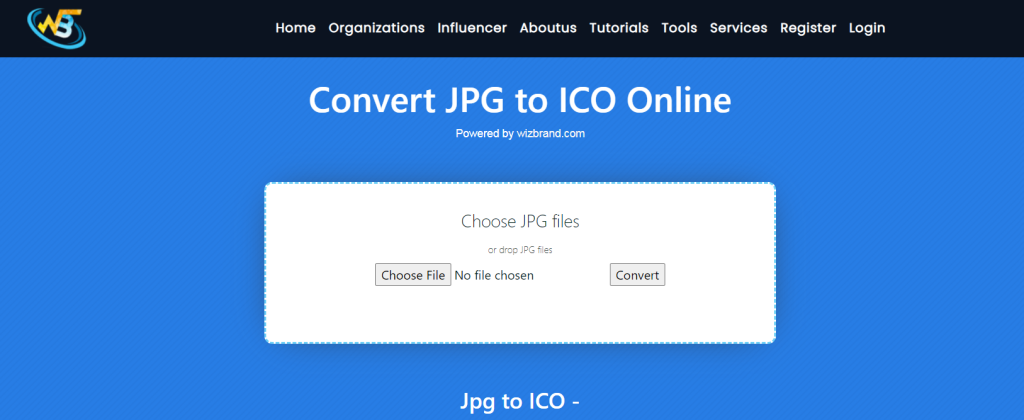
Users may have the option to select the color depth of the ICO file. Common color depths include 16×16 pixels, 32×32 pixels, and 48×48 pixels, with various color options (e.g., 16 colors, 256 colors, 32-bit with transparency). Some online converters support batch conversion, which means users can upload and convert multiple JPG images to ICO format in a single session. This feature is especially useful when creating a collection of icons. These tools typically offer an intuitive and user-friendly interface, making it easy for users to upload their JPG images, configure settings, and initiate the conversion process without any technical expertise.
Why Convert JPG to ICO?
There are several reasons why you might want to convert a JPG image to ICO:
If you have a logo or image for your website, converting it to ICO format allows you to set it as your website’s favicon, giving your site a professional and branded look in web browsers.
If you want to personalize your desktop icons on a Windows computer, you can use custom ICO files to replace the default icons with images of your choice.
Developers often need ICO files to include custom icons in Windows applications, providing a consistent and attractive user interface.
Convert JPG to ICO Online tools available on Wizbrand for converting JPG to ICO. A popular choice is “ICO Convert,” but you can use any converter that you find reliable. Simply search for “JPG to ICO online converter” in your preferred search engine.
Once you’re on the chosen converter’s website, you’ll typically see an option to upload your JPG file. Click the upload button and select the JPG image you want to convert.
Tips for Successful Conversion
- Ensure that your JPG image is of good quality and resolution for the best results in your ICO file.
- Check the specific requirements of your use case (e.g., favicon dimensions) to create an ICO file that fits perfectly.
- Always use reputable online conversion tools to ensure the security of your files.
How Wizbrand‘s Convert JPG to ICO Online would help?
The specific features and benefits of “Wizbrand’s Convert JPG to ICO Online” would depend on the tool’s design and functionality. If you have access to this tool, I recommend checking its official Wizbrand’s website or documentation for detailed information on how it can assist users in converting JPG images to ICO format. These tools typically offer a straightforward and user-friendly interface, making it easy for users to convert JPG images to ICO format without the need for advanced technical skills. Online converters are designed to process conversions quickly and efficiently, so users don’t have to wait long for their ICO files to be generated.
