Converting Excel files to PDF format is a common requirement in many business and personal scenarios. While there are several methods available for converting Excel to PDF, using an online conversion tool offers a convenient and efficient solution. Online conversion tools provide a user-friendly interface that allows you to convert Excel to PDF quickly and easily. With just a few clicks, you can obtain a high-quality PDF file without the need to install additional software or perform complex manual conversions.
What is the function and feature Excel To PDF Online tool
Online Excel to PDF converters are designed to retain the formatting of your Excel spreadsheets during the conversion process. This ensures that the converted PDF document looks visually consistent with the original Excel file, including tables, charts, fonts, and colors. PDF files are widely compatible and can be opened and viewed on various devices and operating systems without the need for specific software or plugins. By converting Excel to PDF, you ensure that your document can be accessed and shared effortlessly by a larger audience. Online Excel to PDF converters often employ efficient compression algorithms to reduce the file size of the resulting PDF. This optimization ensures faster uploading, downloading, and sharing of the converted PDF file, especially when dealing with large Excel spreadsheets.
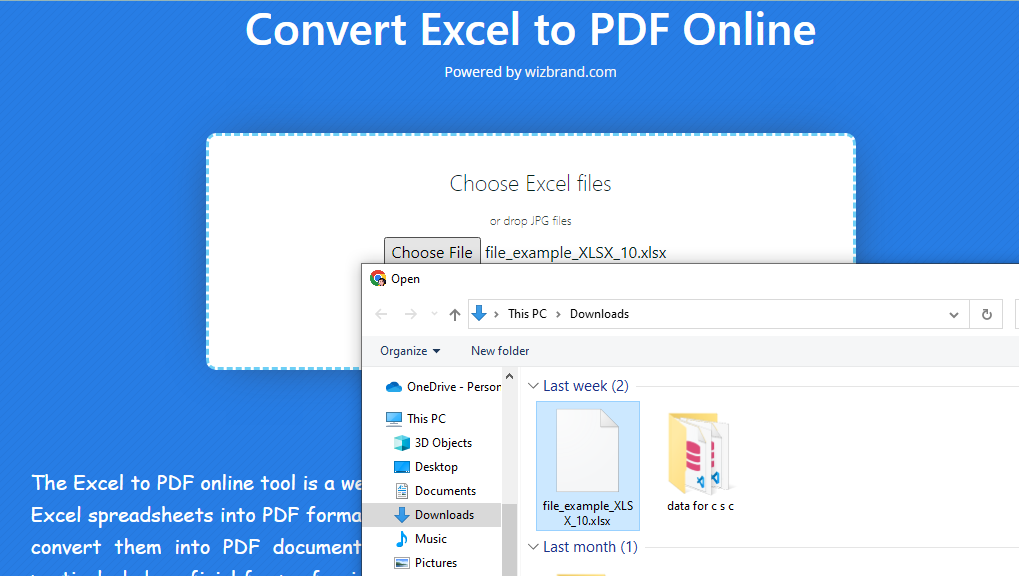
Visit the https://www.wizbrand.com/ website in your web browser. Click on the “Choose File” button and select the Excel file you want to convert from your local storage or cloud storage services.
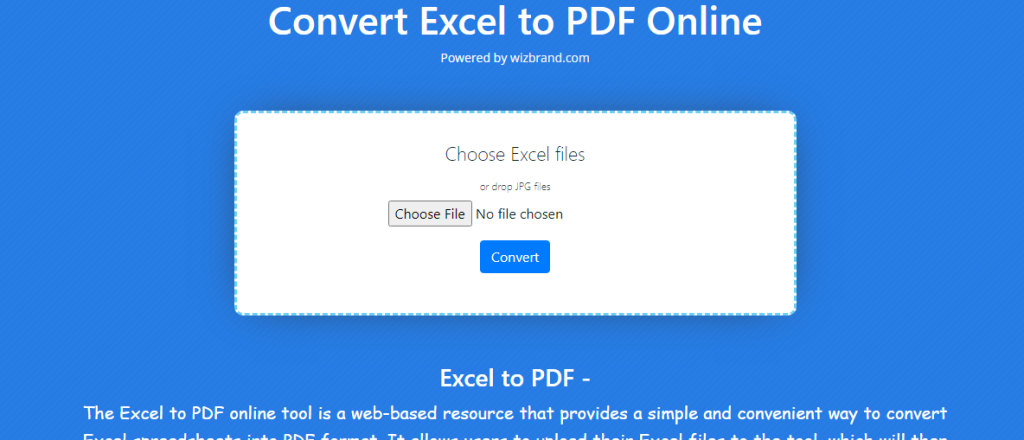
Wait for the conversion to complete. The tool will process your Excel file and generate a PDF version. Once the conversion is finished, you can download the resulting PDF file to your computer or save it directly to your cloud storage.
How Wizbrand‘s Converting Excel to PDF Online tool would help?
Wizbrand’s Converting Excel to PDF Online tool offers a seamless solution for converting Excel files to PDF format with ease. By utilizing this tool, users can conveniently convert their Excel spreadsheets into PDF documents, preserving the formatting, data integrity, and visual elements of the original file. With a user-friendly interface and efficient conversion algorithms, Wizbrand’s tool saves users valuable time and effort, eliminating the need for manual conversions or the installation of additional software. This online tool simplifies the process, making it accessible to users of all levels of expertise and ensuring the efficient sharing, printing, and archiving of Excel files in PDF format.
These are useful links
