If you’re looking for a simple and effective way to delete unwanted pages from your PDF files, then Delete PDF Pages is the perfect solution for you. With this easy-to-use online tool, you can quickly and easily upload your PDF files and choose which pages you want to remove.
Whether you’re dealing with a large document that needs to be trimmed down, or you simply want to get rid of some unnecessary pages, Delete PDF Pages is the ideal tool for the job. And because it’s all done online, there’s no need to download any software or worry about compatibility issues.
So why wait? Head over to Delete PDF Pages today and start streamlining your PDF files in just a few clicks. It’s fast, efficient, and best of all, it’s completely free!
What is Function of Delete PDF Particular Pages
The Delete PDF Particular Pages tool serves as a quick and efficient solution for removing specific pages from a PDF file. This function helps users to customize and streamline their documents, whether they need to remove unnecessary pages or extract specific information from a larger document. By reducing the file size and improving the organization of the PDF, the tool allows for easier sharing and distribution of information, while also saving time and effort in the editing process.
What are the feature of Delete PDF Particular Pages
The Delete PDF Particular Pages tool offers a user-friendly interface with a range of features designed to simplify the process of deleting specific pages from a PDF file.
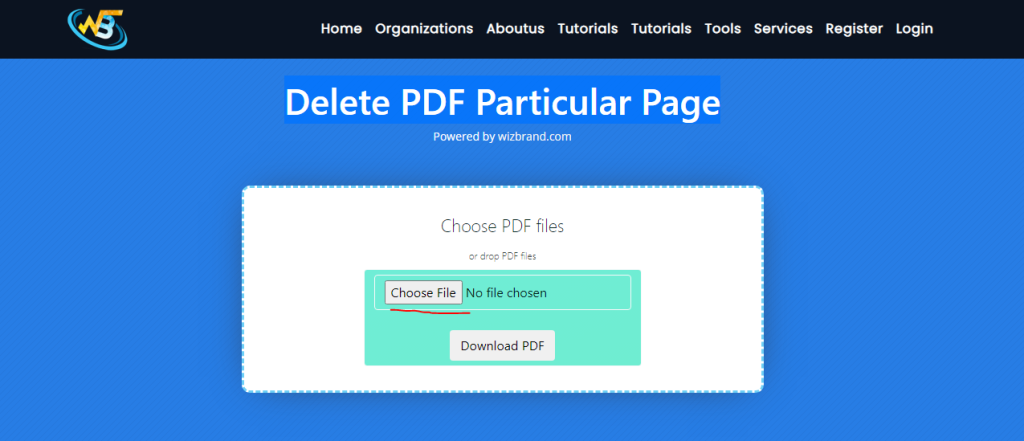
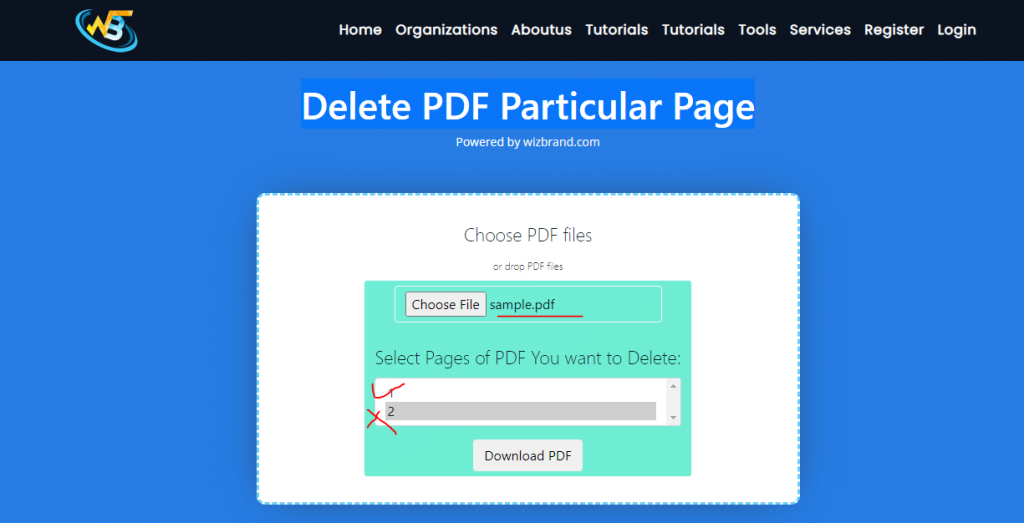
Users can select and upload a PDF file, and the tool automatically displays the number of pages in the document. The user can then choose the specific pages they wish to delete, and the tool will remove them from the document.
Once the desired pages have been deleted, users can easily download the edited PDF file. This feature is particularly useful for individuals and organizations looking to customize and streamline their PDF documents for easier sharing and distribution.
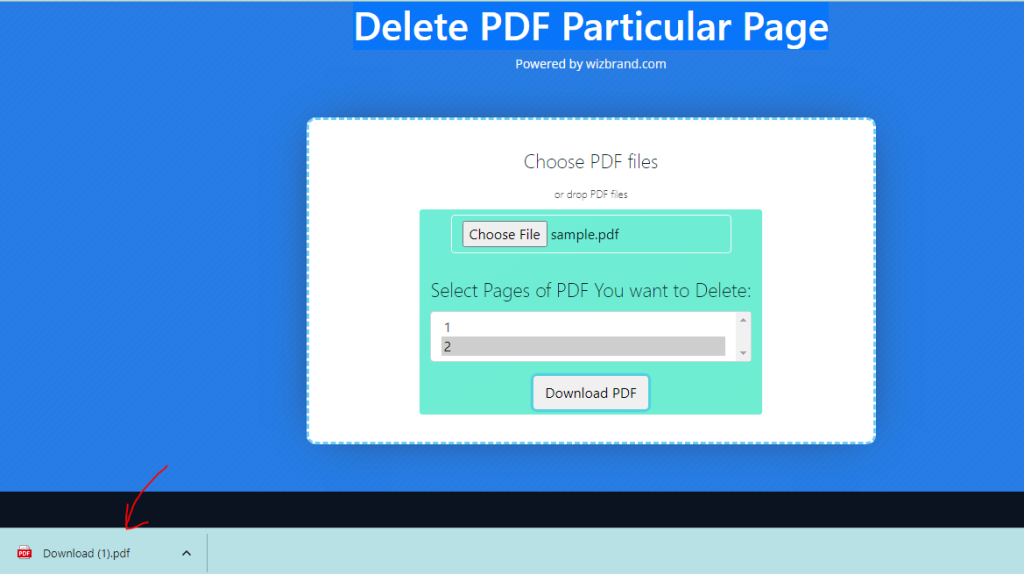
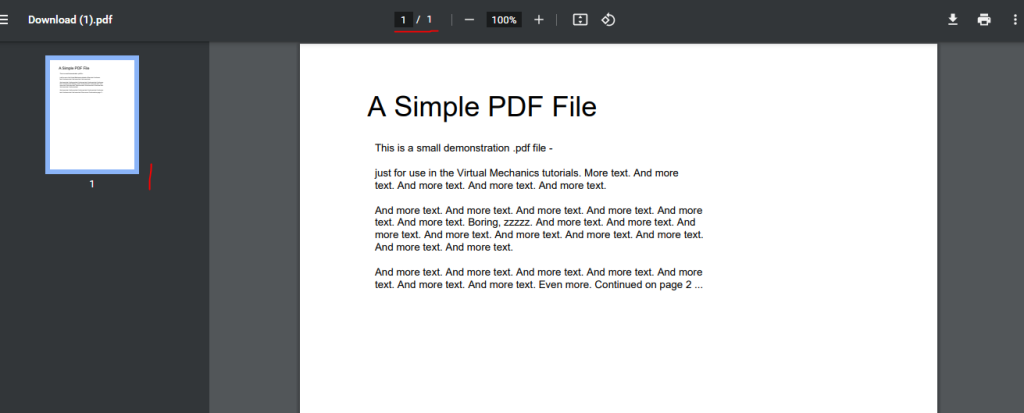
result:
How Wizbrand’s Delete PDF Particular Pages tool would help?
Wizbrand’s Delete PDF Particular Pages tool would help users to streamline their PDF documents by removing specific pages that are not required, making it easier to manage and share information. This tool provides a simple and effective solution for individuals and organizations looking to customize. By reducing the file size and improving the organization of the PDF, this tool allows for faster and easier distribution of information, saving time and effort in the process. Additionally, because the tool is accessible online, users can easily access it from anywhere, making it a convenient option for anyone looking to edit their PDF files on the go.
These are useful links
