Digital privacy has become paramount, tech giants like Google are continually striving to provide users with more control over their data. One such feature that exemplifies this commitment is Google’s ID Pause Sync. This innovative tool allows users to have a more significant say in how their information is collected and utilized. We’ll delve into the details of Google’s ID Pause Sync feature and discuss five important aspects that every user should be aware of. Google’s ID Pause Sync feature emerges as a significant step towards empowering users with enhanced privacy control. By understanding the nuances of this feature, users can strike a balance between privacy and personalization that aligns with their preferences. As online privacy becomes an ever more vital concern, ID Pause Sync represents a valuable tool in the quest to protect our digital footprints. So, don’t hesitate to explore and utilize this feature to safeguard your online privacy in the Google ecosystem.
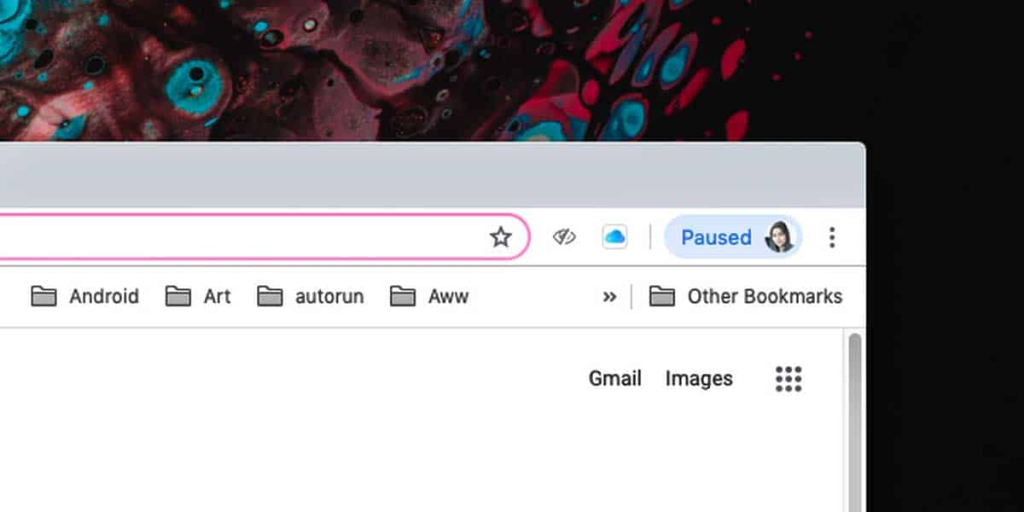
Understanding ID Pause Sync: ID Pause Sync is a feature offered by Google that enables users to temporarily halt the synchronization of their device identifiers (IDs) with Google’s servers. Device identifiers are unique codes assigned to your devices, such as smartphones, tablets, or computers, which help Google personalize your experience across its services. By pausing this sync, you can limit the data Google collects from your devices.
Enhanced Privacy Control: One of the primary benefits of using ID Pause Sync is the enhanced level of privacy control it offers. With this feature, you can decide when and how your device identifiers are shared with Google. This control empowers users to limit the amount of personal data that the tech giant collects, which can be crucial in safeguarding your online privacy.
Temporary vs. Permanent Pausing: It’s important to note that ID Pause Sync allows users to pause synchronization temporarily. This means that you can choose to stop sharing device identifiers for a specific duration, after which Google will resume collecting this data. Alternatively, you can permanently pause sync if you wish to restrict data collection indefinitely. Understanding these options is essential for tailoring your privacy settings to your specific needs.

Balancing Privacy and Personalization: While ID Pause Sync provides an excellent means to bolster your online privacy, it’s essential to consider the trade-off between privacy and personalization. Pausing sync might result in a less tailored user experience, as Google relies on device identifiers to customize services like search results, recommendations, and ads. Users should weigh the benefits of enhanced privacy against potentially less personalized online experiences.
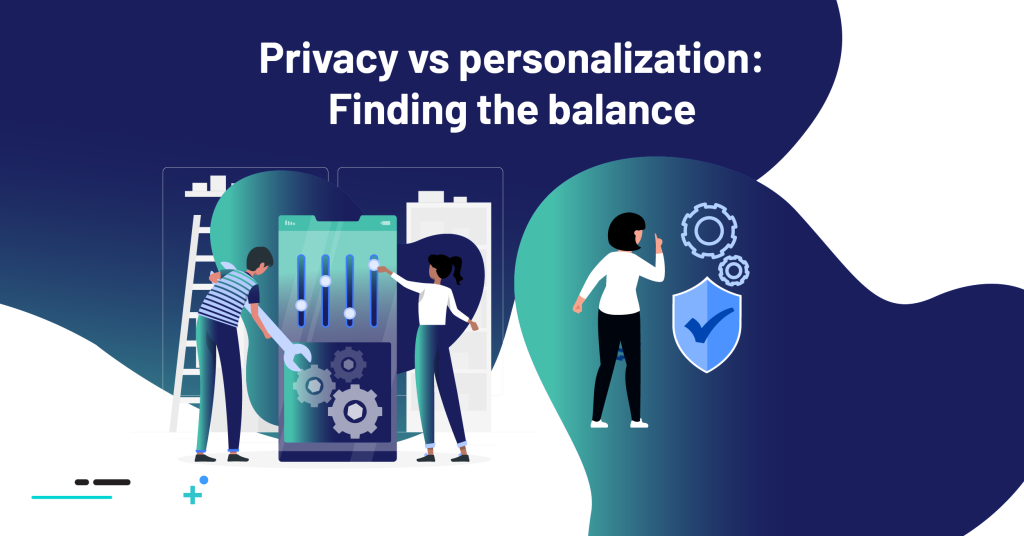
Accessing and Managing ID Pause Sync: Google makes it relatively easy for users to access and manage the ID Pause Sync feature. To do so, navigate to your Google Account settings on a device. Under the ‘Data & personalization’ section, you’ll find an option to ‘Pause all sync.’ Clicking on this option will give you the choice to temporarily pause or permanently pause sync, depending on your preference. Regularly reviewing and adjusting your privacy settings is a good practice for maintaining control over your data.