Image file formats play a crucial role in various industries, including photography, graphic design, and document management. Converting images from one format to another can be necessary for compatibility, storage optimization, or specific requirements. One common conversion is from JPG (JPEG) to TIFF (Tagged Image File Format), which offers lossless compression and excellent image quality. JPEG (Joint Photographic Experts Group) is a widely used image format known for its efficient compression and compatibility with various devices and platforms. However, it is a lossy format, which means some image quality is sacrificed to achieve smaller file sizes. On the other hand, TIFF is a lossless format that retains all the original image data, making it ideal for high-quality printing, archiving, and professional applications. Converting JPG to TIFF ensures that the image retains its integrity and can be used in scenarios that require superior image quality.
What is Function and feature of Convert JPG to TIFF Online Tool
A Convert JPG to TIFF online tool serves the purpose of converting images from the JPEG (JPG) format to the Tagged Image File Format (TIFF) through an online platform. These tools offer a range of functions and features that make the conversion process seamless and efficient. Let’s explore the main functions and features of a typical Convert JPG to TIFF online tool, The primary function of a Convert JPG to TIFF online tool is to convert JPEG images to the TIFF format. Users can upload JPG files to the tool, which then processes and converts them into TIFF format. This conversion ensures that the image quality is preserved and suitable for high-quality printing, archiving, or professional use.
Online tools leverage powerful servers and efficient algorithms to ensure fast and efficient conversion. The image processing and conversion are typically completed within seconds, providing users with prompt results.
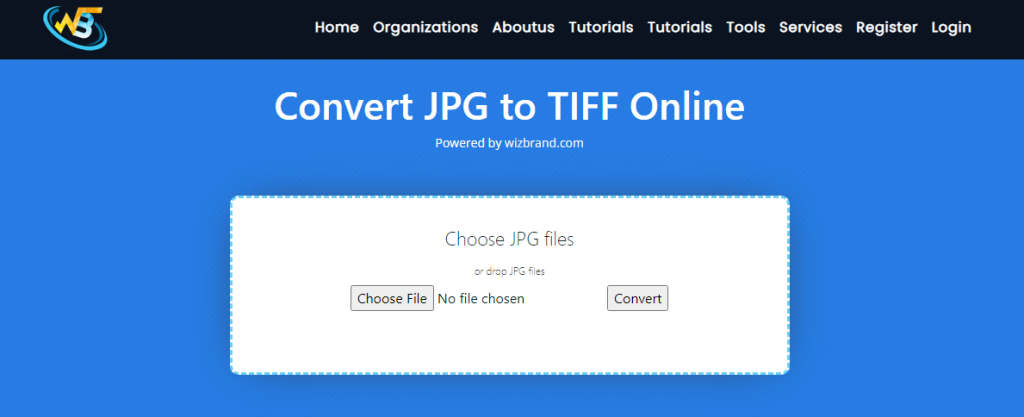
steps:
Go to the Wizband website, search for the “Convert JPG to TIFF” or something similar. Click on it to access the JPG to TIFF conversion tool. In the tool interface, you will typically find an “Upload” or “Choose File” button. Select the JPG file you want to convert to TIFF, and then click the “Choose File” button in the file selection dialog box. After selecting your JPG file, The tool will process your file and convert it to the TIFF format. This may take a few seconds, depending on the size of your JPG file. Once the conversion is complete, the tool will provide a download button for your download TIFF file.
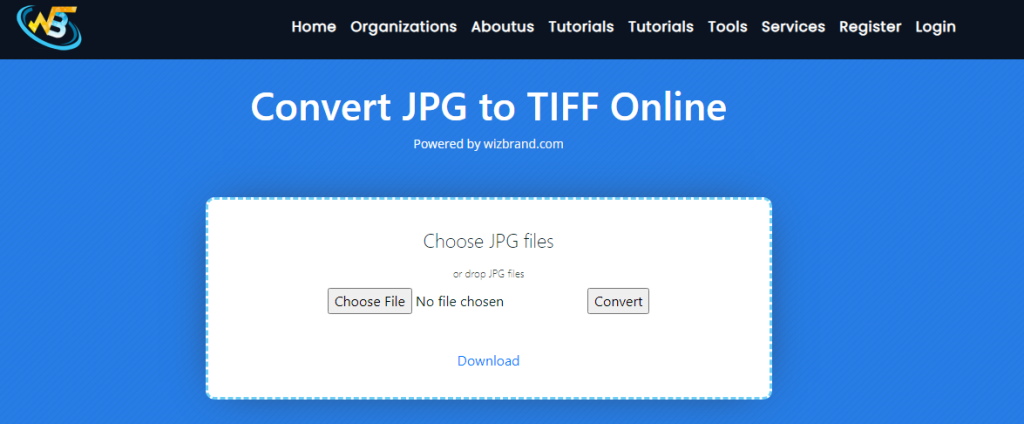
How Wizbrand‘s Convert JPG to TIFF Online Tool would help?
Wizbrand’s Convert JPG to TIFF Online Tool offers several benefits and functionalities that can help you in the process of converting JPG files to TIFF format, Wizbrand’s online tool provides a convenient solution for converting JPG to TIFF without the need for any software installations. You can access the tool directly from your web browser, making it accessible from any device with an internet connection. The tool is designed with a user-friendly interface that makes it easy to navigate and use. You’ll find clear instructions and intuitive buttons, allowing you to quickly and effortlessly convert your JPG files to TIFF.
These are useful links
