Social media platforms have become the go-to channels for personal expression, branding, and communication. Whether you’re an individual or a business, using the right image dimensions for different social media platforms is crucial to make your online presence visually appealing. However, juggling various image sizes can be a daunting task. Fortunately, there’s a solution: an image tool that helps you effortlessly resize your images to fit the specific requirements of different social sites. On social media, your profile and cover photos are often the first things people notice. If these images are pixelated or poorly cropped, it can create a negative impression. Maintaining a consistent look across all your social media profiles fosters trust and brand recognition. Your logo or profile picture should be instantly recognizable, regardless of the platform.
What is Function and feature of Image resizer tool for social sites
Meet the all-in-one image tool that will save you time and ensure your visuals are always on point for different social media platforms. This tool allows you to resize your images effortlessly to match the recommended dimensions for Facebook, Twitter, Instagram, LinkedIn, and YouTube. The tool automatically resizes your image to fit the dimensions of the selected social media platform. No more manual cropping and resizing. It provides predefined templates for popular image sizes, including Facebook profile and cover photos, Twitter profile and cover photos, Instagram posts, LinkedIn posts, and YouTube channel art. The tool ensures that your images maintain their quality even after resizing.
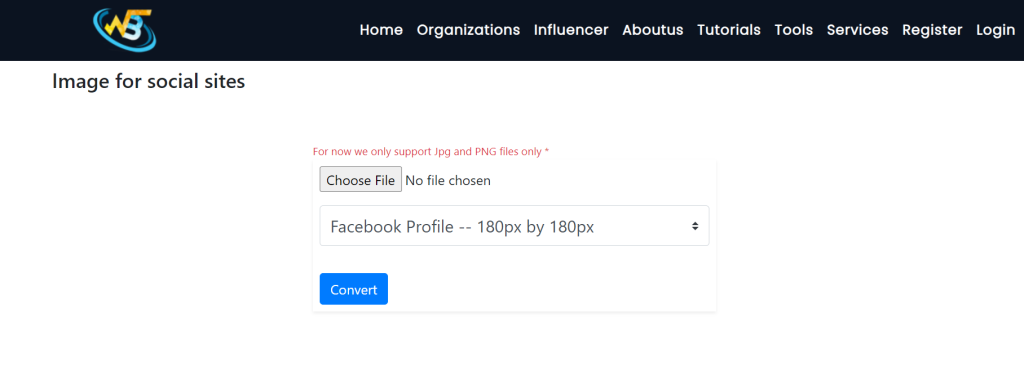
Start by uploading the image you want to resize. Choose the platform you intend to use the image for, such as Facebook, Twitter, Instagram, LinkedIn, or YouTube. Let the tool automatically adjust the dimensions based on the platform’s recommendations or manually input your desired dimensions. Review the resized image to ensure it looks perfect. Once you’re satisfied with the result, download the resized image to use on your social media profile.
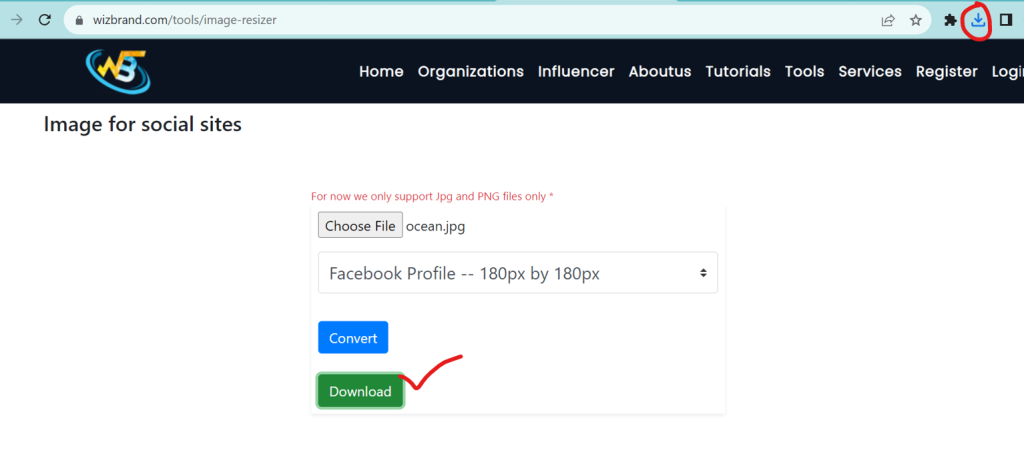
It boasts a simple and intuitive user interface, making it accessible for everyone, from social media novices to experts.
How Wizbrand’s Online Image resizer tool for social sites Tool would help?
Wizbrand’s Online Image Resizer Tool is a powerful and user-friendly solution designed specifically to simplify the process of resizing images for various social media platforms. Wizbrand’s tool makes image resizing a breeze. You don’t need to have advanced technical skills or image editing software. It simplifies the process for users of all levels of expertise. Wizbrand’s tool provides predefined templates for popular social media platforms, including Facebook, Twitter, Instagram, LinkedIn, and YouTube. These templates are tailored to each platform’s recommended image dimensions, ensuring your visuals look their best. With just a few clicks, the tool automatically adjusts your image to match the optimal size for your chosen platform. This eliminates the need for manual cropping and resizing, saving you time and effort.
