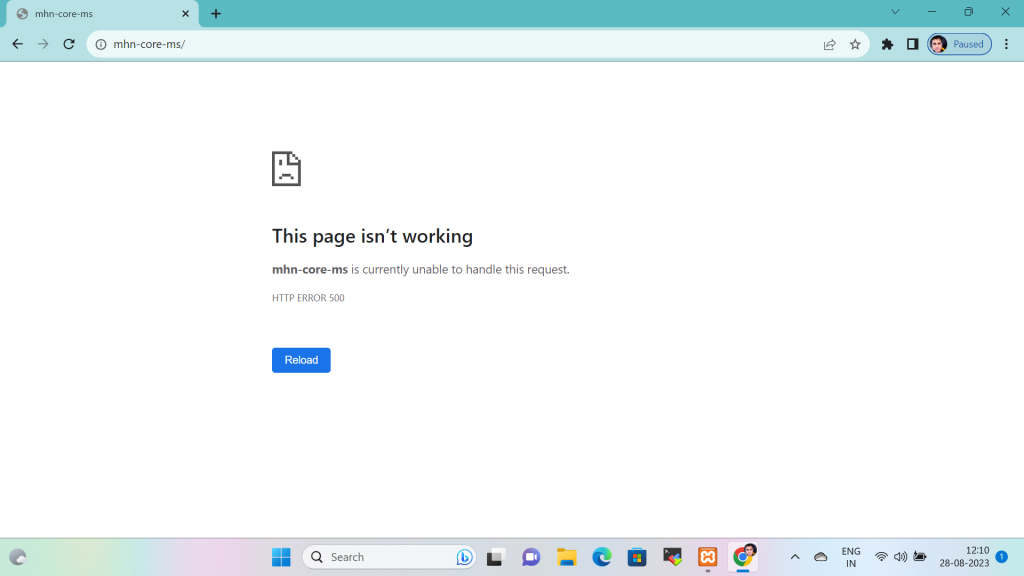
Imagine you’re browsing the web, eager to access a website you frequent, and suddenly you’re met with an error message that says, “This page isn’t working. mhn-core-ms is currently unable to handle this request. HTTP Error 500.” This frustrating sight is one that many internet users have encountered at some point. In this blog, we’ll dive into the world of HTTP Error 500, commonly known as the “Internal Server Error,” to understand what causes it and how to address it.
Common Causes of HTTP Error 500
- Coding Errors: One of the most common reasons for an Internal Server Error is a mistake in the website’s code. This could be a syntax error, an infinite loop, or an undefined variable. These errors can cripple the server’s ability to process requests.
- Server Configuration Issues: Misconfigured server settings or permissions can lead to HTTP Error 500. If the server can’t access the required files or resources, it won’t be able to fulfill the request.
- Resource Limitations: Sometimes, the server’s resources (CPU, memory, or disk space) may be exhausted, especially in shared hosting environments. When the server can’t handle the current load, it may return an Internal Server Error.
- Database Problems: If a website relies on a database and there are issues connecting to or querying the database, it can trigger HTTP Error 500.
- Security Concerns: Security-related problems like improper permissions, firewall rules, or attacks such as DDoS (Distributed Denial of Service) can lead to server errors.
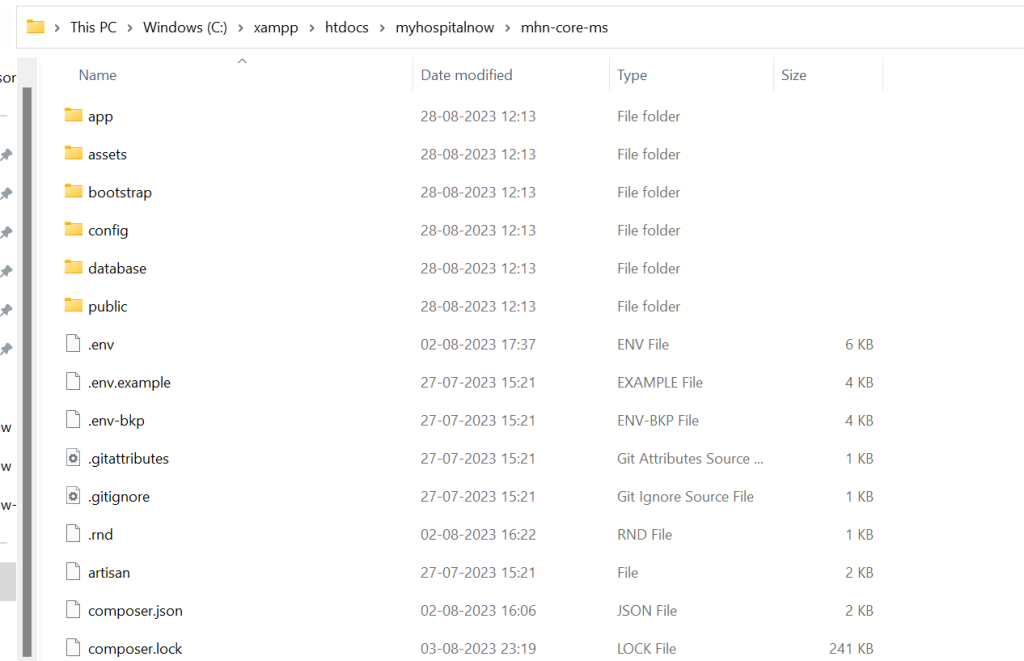
The error message you encountered, “This page isn’t working. mhn-core-ms is currently unable to handle this request. HTTP Error 500,” is a common message displayed on web browsers when there is an issue with a website or web application. In my case, it seems like the error occurred because you accidentally deleted some crucial files (specifically, your route and resources files) related to your web application, and then you had to reset them up to make your application work again.
Here’s a breakdown of what happened:
- Deleting Route and Resources Files: When you deleted your route and resources files, you likely removed essential components of your web application. Routes define how incoming requests should be handled, and resource files often contain crucial data or configurations. Deleting these files essentially crippled your application, causing it to break.
- HTTP Error 500: HTTP Error 500, also known as the “Internal Server Error,” is a generic error message returned by a web server when it encounters an unexpected issue while processing a request. In my case, the web server (mhn-core-ms) was unable to handle requests because it relied on the missing route and resources files.
- Resetting Up the Files: To resolve the error and get your web application working again, you took the necessary step of resetting up the route and resources files. This likely involved recreating these files with the correct configurations or restoring them from a backup.
- Restoring Functionality: Once you restored the missing files, your web application regained its functionality. The route files would define how different URLs should be handled, and the resources files may contain important data or settings required for your application to run smoothly.
