Introduction
Many learners enter the world of DevOps feeling overwhelmed by the sheer volume of tools and methodologies. You might have watched hours of video tutorials or read extensive documentation, yet you still feel like you cannot connect the dots. This is the common “theory trap.” You understand what Git is, you know what a container does, and you have heard of CI/CD, but putting them together into a working system remains a challenge.
Practical experience is the only way to move past this hurdle. Building your first DevOps project is not just about writing code or configuring servers; it is about building the intuition that comes from troubleshooting and seeing a system perform as expected. Whether you are a student or a professional switching careers, hands-on learning transforms abstract concepts into tangible engineering skills.
If you are looking for structured guidance to master these workflows, DevOpsSchool provides the resources and hands-on lab environments necessary to transition from a beginner to a practitioner. By focusing on a single, achievable project, you stop consuming information and start producing results.
Why Your First DevOps Project Matters
Learning DevOps without building a project is like learning to drive by reading a manual. You might know the theory of how a combustion engine works, but you haven’t felt the wheel in your hands. A first DevOps project provides three critical advantages:
- Practical Context: It forces you to interact with real configuration files, environment variables, and network settings.
- Confidence Building: There is a unique rush of adrenaline when you push code to a repository and see your application automatically deploy to a server.
- Portfolio Development: Employers value evidence of execution. A project on your GitHub proves that you can navigate the complexity of a real-world pipeline.
Think of it as building a small, functional engine. You don’t need to build a rocket ship on day one; you just need to build a system that works, breaks, and teaches you how to fix it.
Choosing the Right First DevOps Project
The biggest mistake beginners make is attempting a massive architecture involving Kubernetes, Terraform, and multi-cloud environments too early. Keep it simple.
Goal: Choose a project that allows you to automate the flow of a simple application from code to server.
Recommended Project: A “Hello World” or a basic Python Flask web application that you version control, build into a Docker image, and deploy via a Jenkins pipeline. This covers the fundamental cycle: Code -> Commit -> Build -> Deploy.
Tools Needed for a Beginner DevOps Project
| Tool | Purpose |
| Linux | The operating system environment for all your operations. |
| Git | The industry standard for version control. |
| GitHub | The platform to host your code and manage repositories. |
| Jenkins | The automation server for building your CI/CD pipeline. |
| Docker | The platform for containerizing your application. |
| Cloud Platform | Infrastructure provider to host your deployment. |
| Monitoring Tool | Basic tools to check logs and service health. |
Project Overview: Deploying a Simple Web Application
The objective is to create a pipeline where, whenever you change a line of text in your code, the system automatically detects the change, builds a new container image, and updates the application running on your server. This end-to-end workflow mimics what professional teams do in enterprise environments.
Step 1: Set Up Linux Environment
You need a terminal environment. Most beginners start with a Virtual Machine (VM) running Ubuntu.
- Task: Install a basic Linux server.
- Command Line Practice: Get comfortable with
ssh,ls,cd,grep, andsudo apt update. - Example: If you are on Windows, use WSL (Windows Subsystem for Linux) or a cloud-based instance to ensure you have a standard Linux shell.
Step 2: Create and Manage Code with Git
Version control is the heart of DevOps. Without it, you cannot collaborate or track changes.
- Task: Initialize a local git repository, commit your web application code, and push it to a remote GitHub repository.
- Example: Run
git init, create a simpleindex.htmlorapp.pyfile, add it withgit add ., and commit it withgit commit -m "Initial commit".
Step 3: Configure a CI/CD Pipeline
Jenkins is the engine of your automation. It monitors your GitHub repository for changes.
- Task: Install Jenkins on your Linux server. Create a “Freestyle Project” or “Pipeline” that triggers whenever you push a change to your GitHub repo.
- Example: Configure a Webhook in GitHub that pings your Jenkins server whenever a
git pushhappens.
Step 4: Containerize the Application Using Docker
Containers allow your application to run the same way on your laptop as it does on a production server.
- Task: Write a
Dockerfile. This is a text document that contains all the commands a user could call on the command line to assemble an image. - Example: A simple
Dockerfilefor a Python app might start withFROM python:3.9and include instructions toCOPYyour code into the container.
Step 5: Deploy the Application
Once the pipeline builds the container, you need to run it.
- Task: Use your pipeline to stop any existing container, remove it, and run the new version of your image.
- Example: Your Jenkins pipeline script would execute
docker build -t my-app .followed bydocker run -d -p 80:80 my-app.
Step 6: Add Basic Monitoring
You need to know if your application is actually up and running.
- Task: Use simple tools like
docker logsortopto verify that your service is healthy. - Example: Create a simple shell script in your pipeline that checks if the web server port 80 is responding. If not, have it alert you.
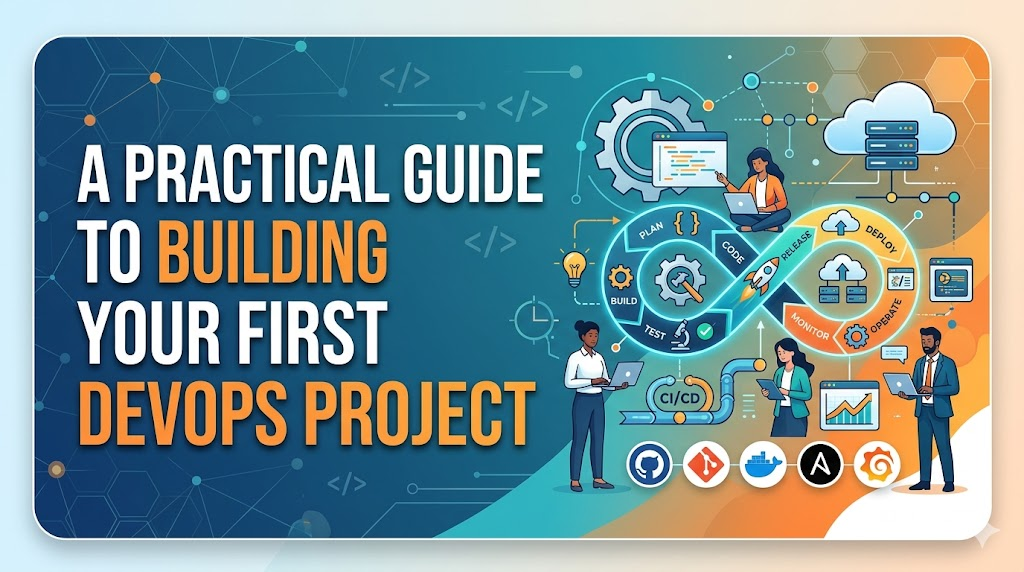
Understanding the Complete DevOps Workflow
| Stage | Activity |
| Development | Writing application code locally. |
| Version Control | Saving code changes in Git/GitHub. |
| Build | Jenkins compiles the code or prepares the container. |
| Test | Running automated checks to ensure the app works. |
| Deploy | Moving the container to the server. |
| Monitor | Checking logs to ensure stability. |
Real-World Example: Learner Without a Project
A learner who skips projects often experiences “tutorial hell.” They understand the definitions, but they cannot troubleshoot. When asked in an interview, “How would you handle a failed build in Jenkins?” they might recite a textbook answer, but they cannot describe the specific log file or command they would check to diagnose the error. This leads to weak confidence and difficulty translating knowledge into professional utility.
Real-World Example: Learner Completing a First DevOps Project
Conversely, a learner who completes their first DevOps project understands the friction of the process. They have seen the “Access Denied” errors, the container port conflicts, and the permission issues. During an interview, they speak from a position of experience. They don’t just know what a CI/CD pipeline is; they know how to build one and why it breaks.
Common Mistakes Beginners Make
- Choosing a project that is too complex (e.g., trying to learn K8s before Docker).
- Skipping the documentation process; you must write down your steps.
- Copy-pasting code without understanding the underlying commands.
- Ignoring troubleshooting; do not look for the answer until you have tried to debug for 30 minutes.
Best Practices for Building Your First DevOps Project
- Start Small: Focus on one tool at a time.
- Document Everything: Maintain a
README.mdfile in your repository. - Learn from Errors: Every error message is a lesson in how the system works.
- Focus on Fundamentals: Ensure you understand the CLI commands before relying on GUIs.
- Consistency: Spend 30 minutes a day on the project rather than 10 hours once a week.
Role of DevOpsSchool in Project-Based Learning
DevOpsSchool bridges the gap between raw theory and professional application. By providing structured paths and access to hands-on environments, the platform allows you to practice in a way that is similar to an actual job environment. Rather than just watching, you engage with the tools directly, which is the most effective way to internalize the workflow of a DevOps engineer.
Career Benefits of Building DevOps Projects
- Junior DevOps Engineer: You demonstrate that you can handle the basic automation stack.
- Cloud Engineer: Projects show you can deploy applications to remote servers.
- Automation Engineer: You prove you can reduce manual labor through scripts.
- Site Reliability Engineer (SRE): You show you understand how to monitor and maintain service health.
- Platform Engineer: Your project serves as a foundation for understanding infrastructure-as-code.
Industries Hiring Candidates With Practical DevOps Skills
- SaaS Companies: High demand for rapid deployment workflows.
- E-Commerce: Need for high availability and scalable pipelines.
- Banking & Finance: Focus on secure and auditable automation.
- Healthcare: Reliability and compliance are key.
- Telecom: Managing massive infrastructure through automation.
- Enterprise IT: Transforming legacy processes into modern workflows.
Future of Project-Based DevOps Learning
The landscape is shifting toward more interactive, cloud-native labs where you can spin up environments in seconds. AI-assisted learning is also becoming more prominent, helping you debug your first DevOps project faster than ever before. However, the core requirement—the drive to build something with your own hands—remains the most important factor in your career growth.
FAQs
- What is a good first DevOps project? A simple web application deployed through a CI/CD pipeline.
- Do I need coding skills? Basic scripting (Bash/Python) is helpful, but you don’t need to be a software developer.
- Should I learn Docker before Kubernetes? Yes, master containers before trying to manage clusters.
- Is Jenkins required? It is an industry standard, but understanding the concept of CI/CD is more important than the specific tool.
- Can I build projects on a laptop? Absolutely; modern laptops are powerful enough for basic virtualization.
- How long does a beginner project take? Depending on your pace, expect 2–4 weeks of dedicated learning.
- Should I publish projects on GitHub? Yes, it serves as your digital resume.
- Do projects help in interviews? They are often the main topic of conversation during technical interviews.
- Is Linux mandatory? Yes, Linux is the native language of the cloud.
- What if I get stuck? Debugging is 50% of the job; use logs and community forums.
- Do I need to pay for cloud services? Most providers offer free tiers perfect for beginners.
- Should I focus on certifications? They help, but projects prove what you can do.
- Is this project too simple for a job? It provides the foundation; you can add complexity later.
- How do I keep my code secure? Learn to store secrets (like passwords) outside of your code.
- What is the next step after the first project? Move toward Infrastructure as Code (Terraform) or Cloud platforms (AWS/Azure/GCP).
Final Thoughts
Building your first DevOps project is a rite of passage. It is the moment you move from being a learner to being a contributor. The path is not about perfection or complexity; it is about consistency. When you face an error, don’t walk away—that error is the most valuable part of your training. Keep it simple, document your progress, and continue to build. Your practical experience is the strongest asset you have in your professional arsenal.
